VPN Protocols Compared: WireGuard, OpenVPN and IKEv2
VPN
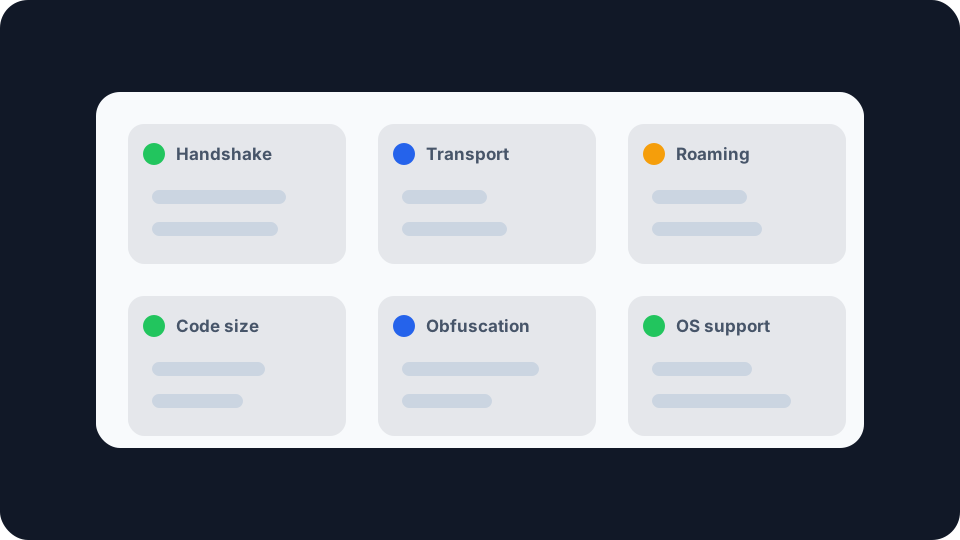
Three protocols carry almost all consumer VPN traffic. They were designed decades apart, by people solving different problems, and the differences turn up in ordinary places: how quickly the tunnel comes back after your laptop wakes, whether a hotel network lets you connect at all, and how much of your line speed survives the trip.
What a VPN protocol actually decides
A VPN protocol is two jobs sharing one name. The first is the handshake, where your device and the server prove who they are and agree on keys. The second is the transport, where your packets get wrapped, encrypted and carried once that is settled. Nearly everything people argue about, speed, reconnection behaviour, whether a network can spot the tunnel, falls out of decisions made in those two jobs.
What a protocol does not decide is who your provider is or what they keep. It is a piece of engineering, not a privacy policy. Choosing WireGuard from a dropdown changes nothing about the company at the other end, and that is worth saying plainly, because protocol names get used in marketing as though they were guarantees. Whether your setup is doing anything at all is a question for checking whether your VPN is actually working, not for the protocol menu.
WireGuard, small on purpose
WireGuard’s defining choice is size. Its own technical whitepaper makes the claim directly: the protocol “can be simply implemented for Linux in less than 4,000 lines of code, making it easily audited and verified”. That is the entire argument in one sentence. A codebase one person can read end to end is a codebase one person can find bugs in, and the comparison the paper draws is with implementations large enough that auditing them is a job for a team.
It gets there by refusing to negotiate. OpenVPN and IPsec both let the two ends agree on which cipher to use, which is flexible, and which is also where a long history of downgrade attacks and quiet misconfiguration lives. WireGuard picks one set and ships it: ChaCha20 for encryption, authenticated with Poly1305, Curve25519 for key exchange, and BLAKE2s for hashing. If one is ever broken, the fix is a new version of WireGuard rather than a line in a config file. That is the trade that keeps the code short.
It speaks only UDP, and that is deliberate rather than unfinished. The project says so on its own known limitations page: WireGuard “explicitly does not support tunneling over TCP, due to the classically terrible network performance of tunneling TCP-over-TCP”. Anything that wraps it in TCP is meant to sit above it, not inside it. The mechanism behind that, two layers repairing the same loss at once, is in what TCP and UDP each do about a missing packet.
It roams without rebuilding. A WireGuard tunnel is defined by the association between a peer’s public key and a tunnel address, not by the connection carrying it. When your phone moves from wifi to mobile data, packets simply start arriving from a new source address and the session continues. There is no reconnect step to watch fail.
It does not try to hide. The same limitations page is blunt about it: “WireGuard does not focus on obfuscation. Obfuscation, rather, should happen at a layer above WireGuard.” A network that is actively looking for VPN traffic can generally tell. That is a scoping decision, not a defect, but it matters if you are somewhere that blocks tunnels.
Two more details, both stated by the project rather than by its critics. While the tunnel is in use the handshake repeats every few minutes, rotating keys for forward secrecy rather than trusting the ones agreed when you connected. And WireGuard is not post-quantum secure by default, though its optional pre-shared key parameter can add a layer of that if you configure one.
OpenVPN, and what flexibility costs
OpenVPN is the oldest of the three in consumer use and by far the most configurable. Its own documentation describes it as a full-featured SSL VPN built on the industry standard SSL/TLS protocol, with client authentication by certificate, smart card, or username and password, and access policies applied per user or group. Since version 2.0 it has carried multiple clients on a single TCP or UDP port.
That TCP option is the reason OpenVPN is still worth having on the list. WireGuard cannot do it and will not. A network that permits only ordinary web ports will often pass an OpenVPN connection pointed at one of them, which is what makes it the thing to try when a hotel, campus or office network refuses everything else. Be careful how far you take that idea though: getting through a port filter is not the same as being invisible to a network that inspects traffic properly, and the two get conflated constantly.
The cost is throughput and audit surface. OpenVPN has historically done its encryption in userspace, which means packets cross between the kernel and the application repeatedly on their way through the tunnel. The project’s Data Channel Offload work exists to address exactly this, and its description of the problem is candid: OpenVPN “spends a considerable amount of time passing data packets back and forth from kernel-land to user-land”, so the data path was moved into the kernel, where packets “are not required to leave the kernelspace anymore”. If your provider’s OpenVPN option feels slower than its WireGuard option, that architecture is a large part of why.
IKEv2, built for a device that moves
IKEv2 is the key exchange half of IPsec, specified in RFC 7296 and elevated to a full Internet Standard in 2014, with authors drawn from Microsoft, Check Point and the VPN Consortium. It handles mutual authentication and the establishment of the security associations that IPsec then uses to carry traffic.
The feature that earns it a place here is an extension rather than the core spec. MOBIKE, RFC 4555, is unusually plain about its own purpose: it “allows the IP addresses associated with IKEv2 and tunnel mode IPsec Security Associations to change”, so that “a mobile Virtual Private Network (VPN) client could use MOBIKE to keep the connection with the VPN gateway active while moving from one address to another”. That is the mobile handover problem solved in the protocol itself, twenty years ago, and it is why IKEv2 remains the default on a lot of phones.
The practical advantage is that Windows, macOS and iOS all ship an IKEv2 client in their built-in VPN settings. A provider can support it without you installing anything, which makes it the sensible fallback when an app is the problem rather than the connection.
What actually changes for you
Speed. WireGuard is usually the quickest of the three, and the reasons are structural rather than marketing. But the honest version is that the gap is often smaller than the ordinary variation on your own line, and it is almost always smaller than the difference between a nearby server and a distant one. Before you conclude a protocol is slowing you down, measure the same server on both settings with a speed test and compare like with like.
Coming back after a drop. This is where the three genuinely diverge. WireGuard resumes without a reconnect because the tunnel was never tied to the underlying connection. IKEv2 handles the same situation explicitly through MOBIKE. OpenVPN generally needs a fresh handshake, which is the pause you notice. This is also the moment your traffic can escape the tunnel, so it is worth understanding what a kill switch does while that is happening.
Persistent state. WireGuard’s elegance has a privacy edge to it. Because a tunnel is an association between a public key and a tunnel address, the server holds that mapping for as long as the peer exists, which is more standing per-user state than a protocol handing out addresses dynamically. Providers running WireGuard at scale have had to design around that, and how they do it varies. It is not a flaw, but it is the sort of detail worth reading a provider’s own description of rather than assuming.
What you can actually do about it
Leave the default alone unless you have a symptom. Providers pick sensible defaults and most people gain nothing from changing them.
When you do have a symptom, the mapping is fairly clean. Slow throughput on a server you know is close: try WireGuard if it is offered. A tunnel that will not establish on a restrictive network: try OpenVPN over TCP, which is the option consumer apps actually expose for this. A connection that keeps dropping as you move between wifi and mobile data: WireGuard or IKEv2, both of which are built for it. No provider app available on the device: IKEv2, using the operating system’s own client.
Then verify rather than assume, because a protocol change is exactly the kind of edit that silently alters routing. Confirm your visible IP, ISP and location actually change by comparing before and after connecting, and follow it with the Network Leak Check to see whether anything is still reaching the internet outside the tunnel. If the underlying idea of what the tunnel is meant to be hiding is still fuzzy, how a VPN changes what sites see is the place to start.
None of these three is the wrong answer. They are three different sets of trade-offs, made at three different moments in the history of the problem, and the one your provider chose for you is usually the one that suits your connection. The value in knowing the differences is not picking a winner. It is recognising which symptom you are looking at when something stops working.